
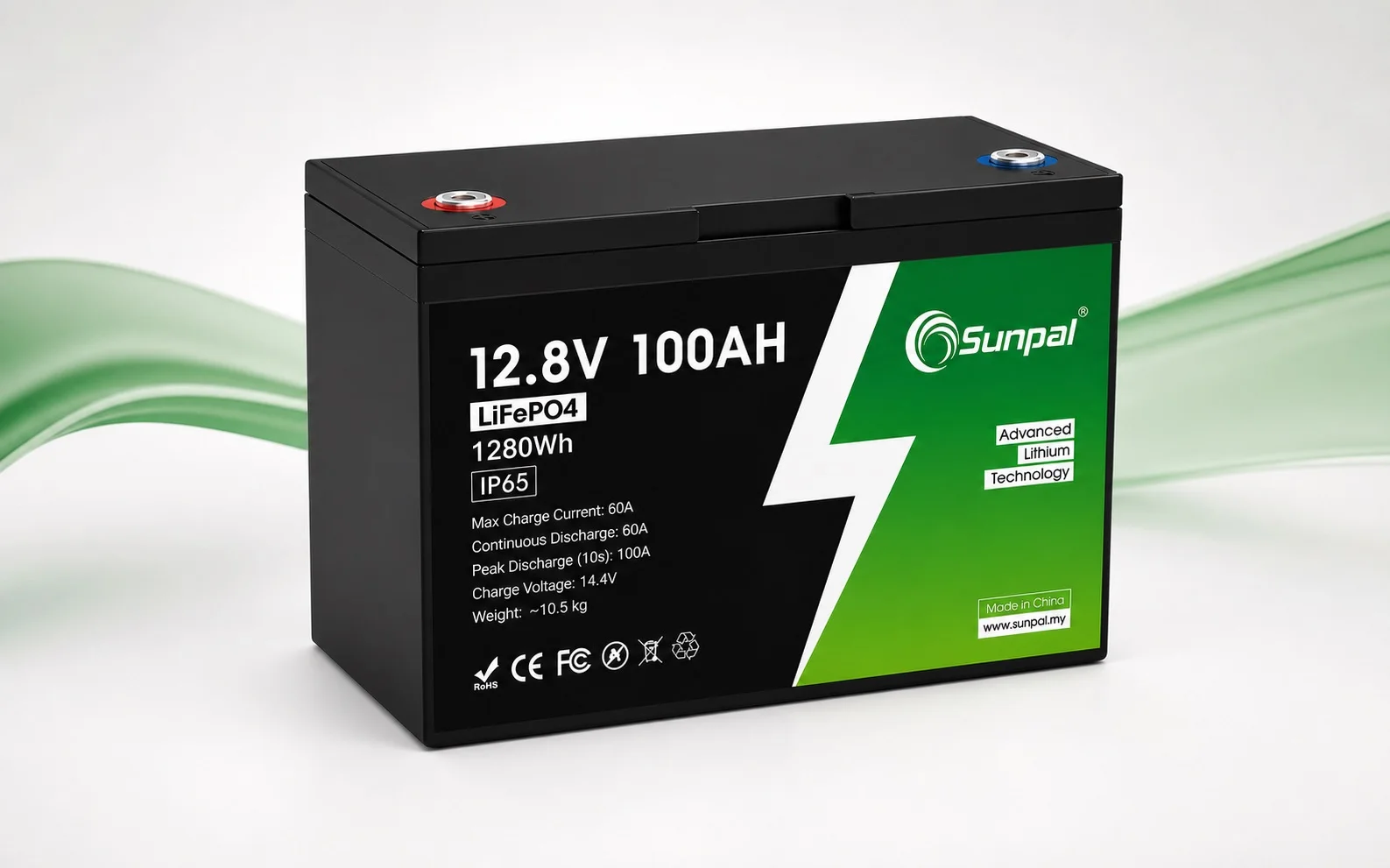
 Sunpal LiFePO₄ Batteries
 Solar Panels
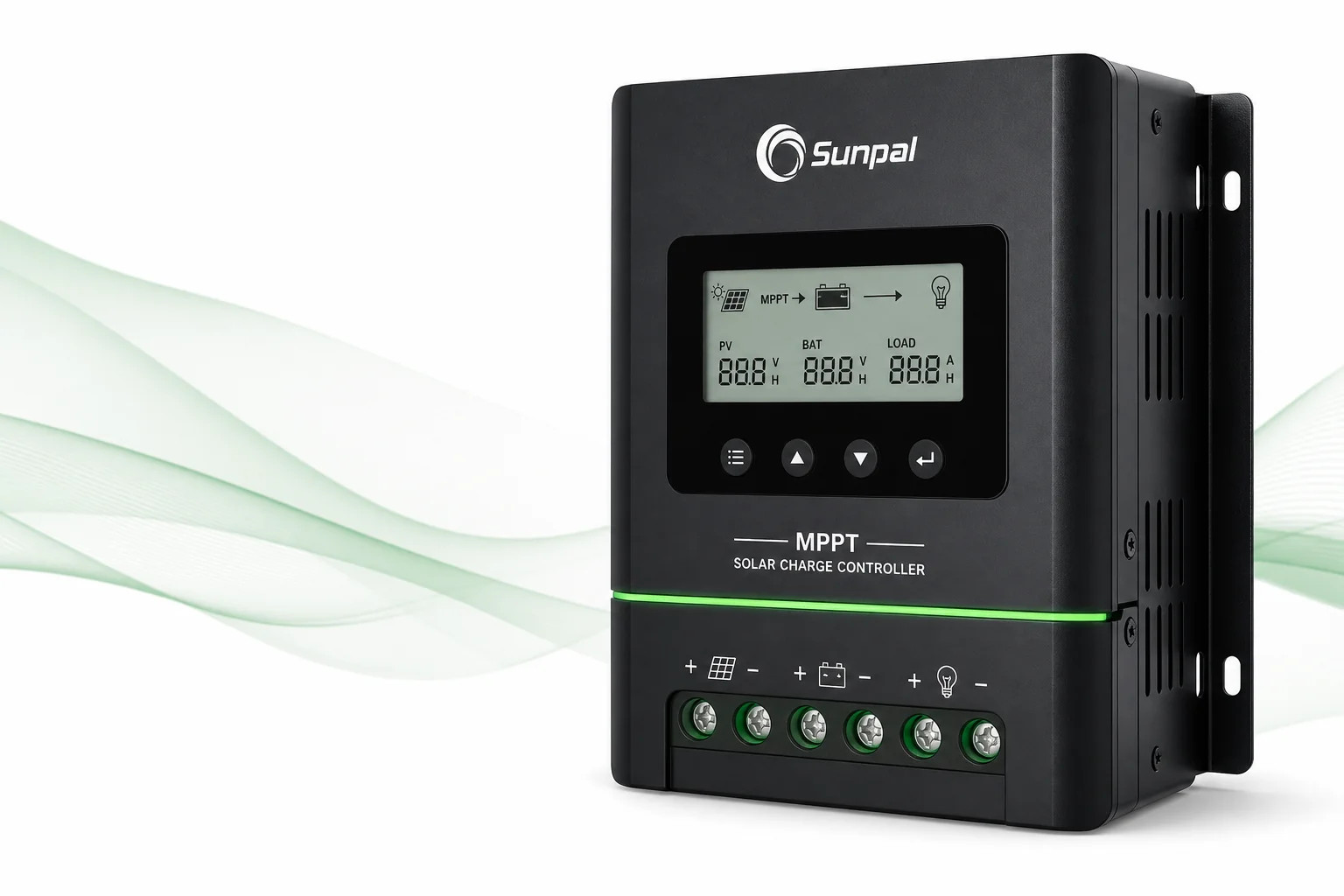 Solar Charge Controllers
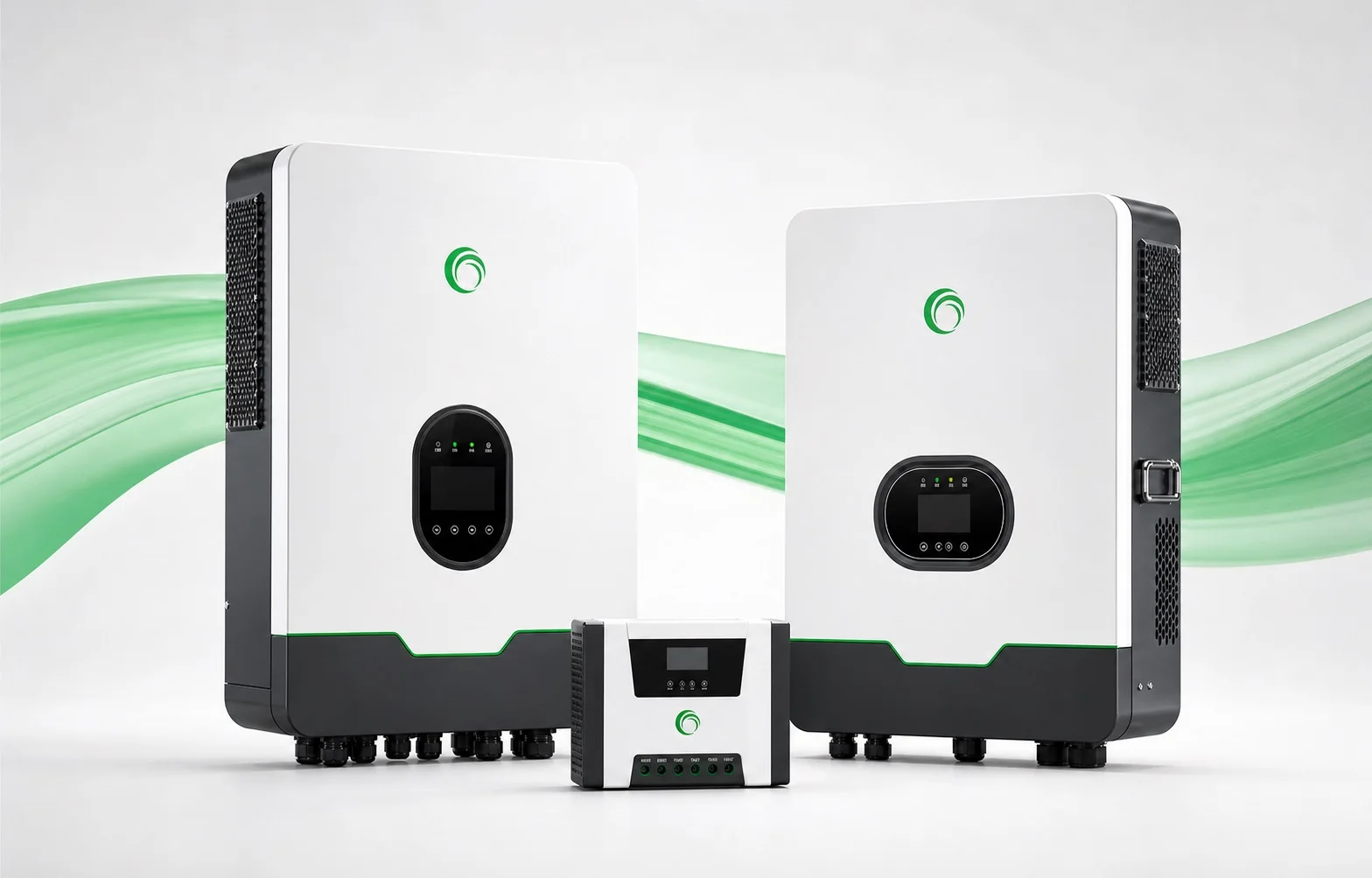 Solar Inverters
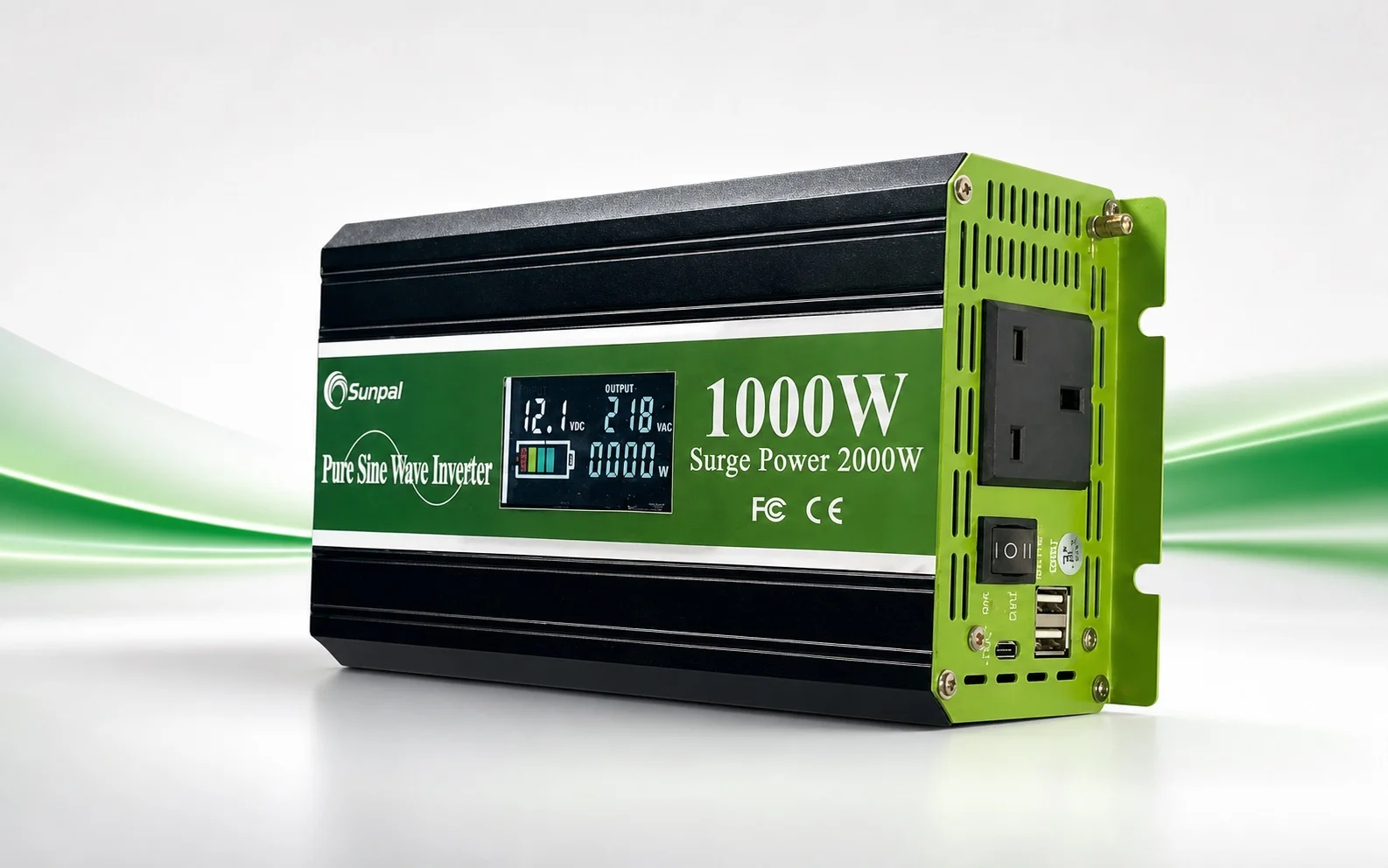 Pure Sinewave Inverters
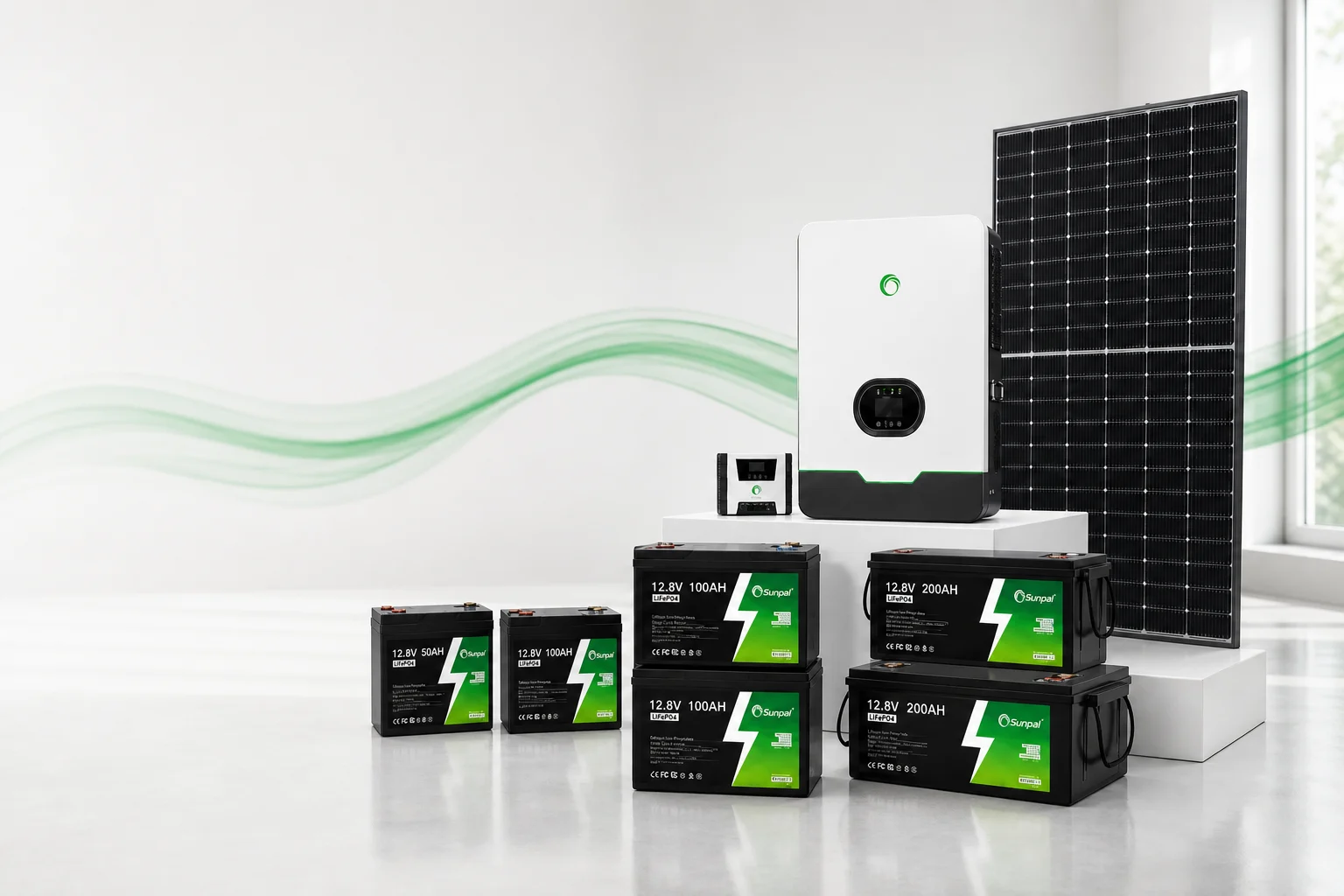
Sunpal
Register warranty. Keep coverage ready.
Scan the packaging QR to register coverage in the Sunpal customer app — or check a serial for authenticity first.
How it works
Three steps to register.
Registration helps us verify serials and process claims faster. Statutory rights still apply either way.-
01
Scan the packaging QR
We confirm the serial is genuine and ready for warranty — before you sign in.
-
02
Sign in to register
Google, Apple, or email magic link. The serial stays filled in; confirm the matching Energy Store SKU, then submit.
-
03
Coverage stays on file
Review status anytime. If something fails, open an RMA from the same account with serial already verified.
Before you start
Have these ready.
- Product serial number (on the unit or packaging)
- Matching Sunpal SKU / model from your order
- Purchase date (optional, but helpful)
Already registered? Sign in to review status, or contact the Malaysia team with your order number.
Customer care
Support beyond registration.
FAQ
Common questions.
Where do I register my product?
In the Sunpal customer app under Warranty. This page is the storefront guide — registration and status live in the app portal.
Open warranty portal →Do I need to register to keep warranty?
Voluntary product warranty follows the Warranty Terms and proof of purchase. Registration is strongly recommended so we can verify serials faster; it does not replace rights under Malaysia’s Consumer Protection Act 1999.
Read Warranty Terms →What if my product has a fault?
Open an RMA from the customer app with serial and photos, or contact Sunpal with your order number. We may ask for diagnostics before arranging repair, replacement or refund options.
Open RMA portal →Sunpal
Ready to register?
Open the warranty portal, sign in, and add your serial in a few minutes.